
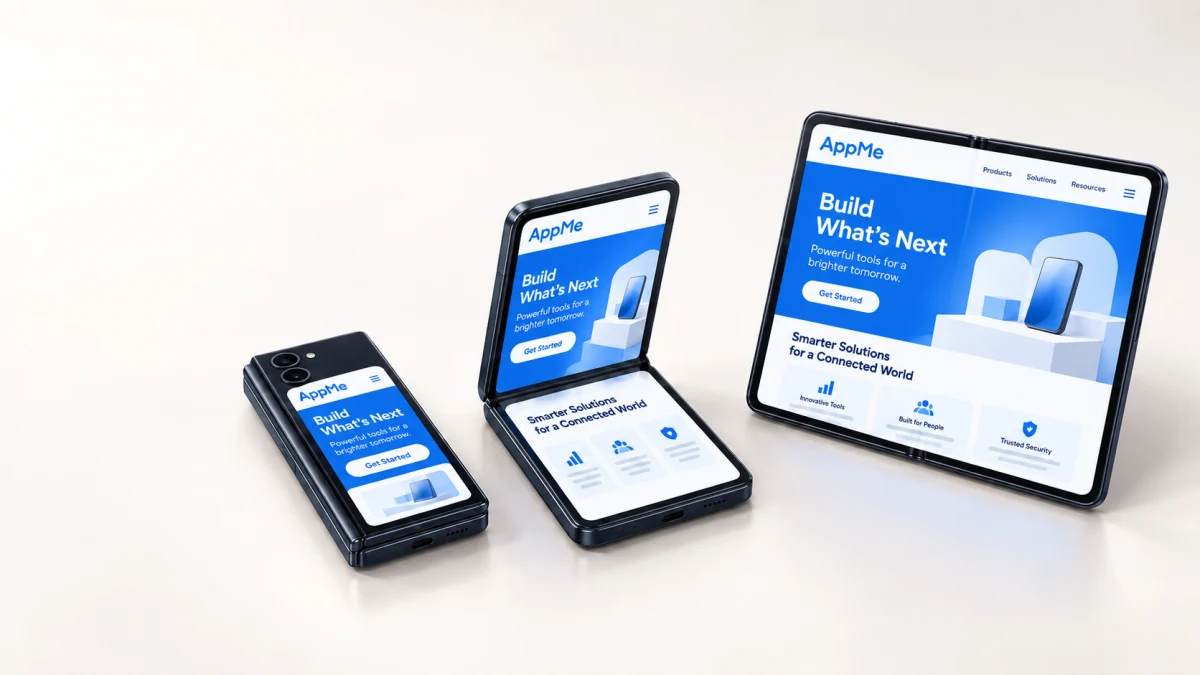
What Apple released
Apple published Xcode 27.1 beta resources for building, running and testing on iPhone Duo, alongside design kits, Human Interface Guidelines, workshops and a dedicated preparation hub. The material focuses on dynamic resizing, adaptive layouts, multiple displays and scenes, device postures and camera experiences.
This is more than a new canvas size. An application can change available space while it is already running. Product state, navigation and media surfaces must survive the transition without forcing users to start again or hiding the action they were completing.
The fixed-phone assumption is now a product risk
Many iPhone interfaces are technically responsive but still designed around one portrait rectangle. Fixed card widths, modal sheets with assumed heights, hard-coded camera previews and navigation that stores layout state in the wrong place may look acceptable at launch and fail during a live posture change.
The risk is not limited to visual clipping. A resize can expose duplicate navigation, reset a draft, recreate expensive content or move a primary control away from the user’s hand. Teams should describe continuity as an acceptance criterion: the same task, data and navigation position must remain understandable before, during and after the change.
A ten-point audit for an existing app
Begin with the journeys users repeat most often. Test those flows in the simulator before reviewing every secondary settings screen. Record whether the problem is layout, state ownership, input, media or content hierarchy so fixes do not become one-off constraints.
- Resize every critical screen while a task is in progress.
- Check safe areas and controls near the hinge or device edges.
- Verify navigation history remains intact across posture changes.
- Test sheets, keyboards, pickers and confirmation dialogs at narrow and wide sizes.
- Confirm text scaling does not create hidden actions or horizontal scrolling.
- Review list-detail screens for a meaningful two-column state.
- Check video and camera previews for crop, rotation and capture continuity.
- Test more than one scene or display where the product supports it.
- Verify offline drafts and unsaved form data survive a resize.
- Repeat the flow with Reduce Motion and VoiceOver enabled.
| Posture or state | Test during the journey | Release condition | Evidence to retain |
|---|---|---|---|
| Closed or compact | Enter data, open the keyboard and present a sheet before changing posture. | The primary action remains reachable, focus is clear and unsaved input is preserved. | Screenshot plus a note identifying the tested journey and build. |
| Partially open | Resize while a draft, picker, video or camera preview is active. | Content avoids the hinge and edges; media and input continue without restarting the task. | Short screen recording covering the transition in both directions. |
| Fully open or wide | Continue the same task and inspect navigation, list-detail behavior and reading width. | The layout uses the available space deliberately and keeps the selected item and navigation history. | Before-and-after screenshots with any intentional layout differences documented. |
| Multiple scenes or displays | Move or reopen a supported scene while another scene remains active. | Each scene shows the correct task and account state without duplicating or losing user work. | Scene identifiers and observed state transitions in the test record. |
How AppMe would stage the work
First, create a device-state matrix for the three to five journeys that define the product. Second, separate state defects from layout defects. Third, replace fixed geometry with adaptive containers only where the product benefits; a wider screen does not require filling every pixel.
Finally, run a clean-install and upgrade test with the iPhone Duo simulator in the release pipeline. The goal is not a special “foldable version.” It is one coherent product that uses available space without changing its promise.
Primary sources
Facts are grounded in the official announcements below. AppMe analysis and recommendations should be validated against the product being changed.