
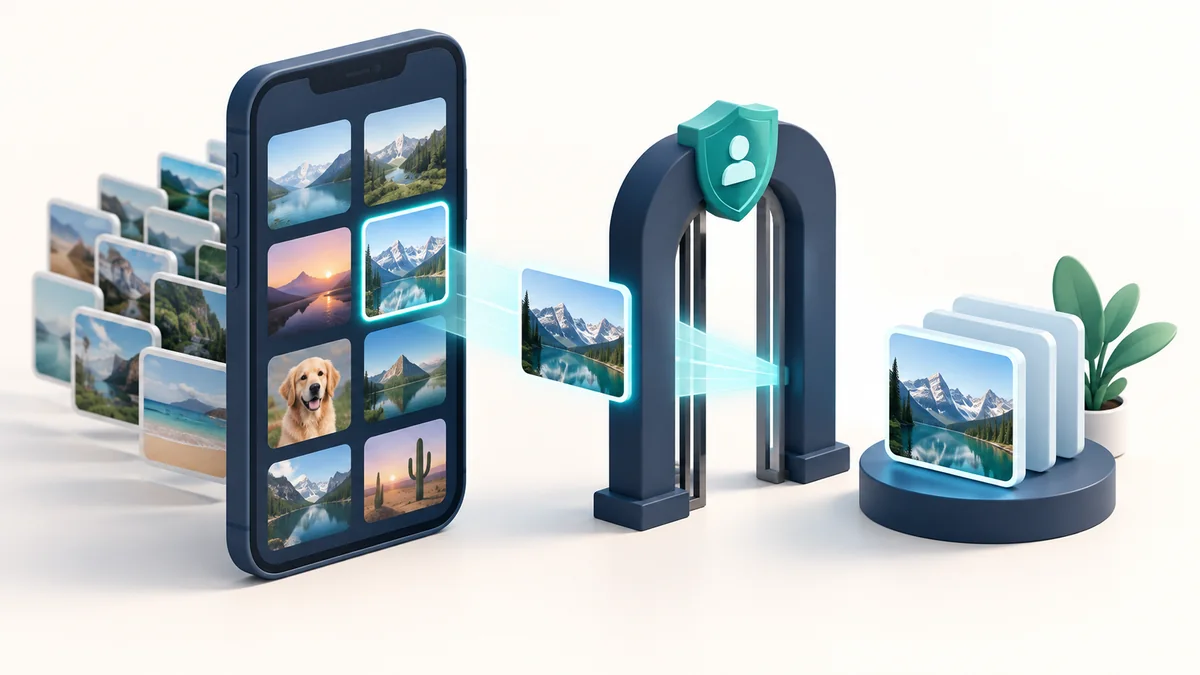
Successfully selecting a photo does not establish that a background worker can read it later. An upload that works immediately but fails after reopening the app may have a URI-lifetime, access-permission or unavailable-source problem.
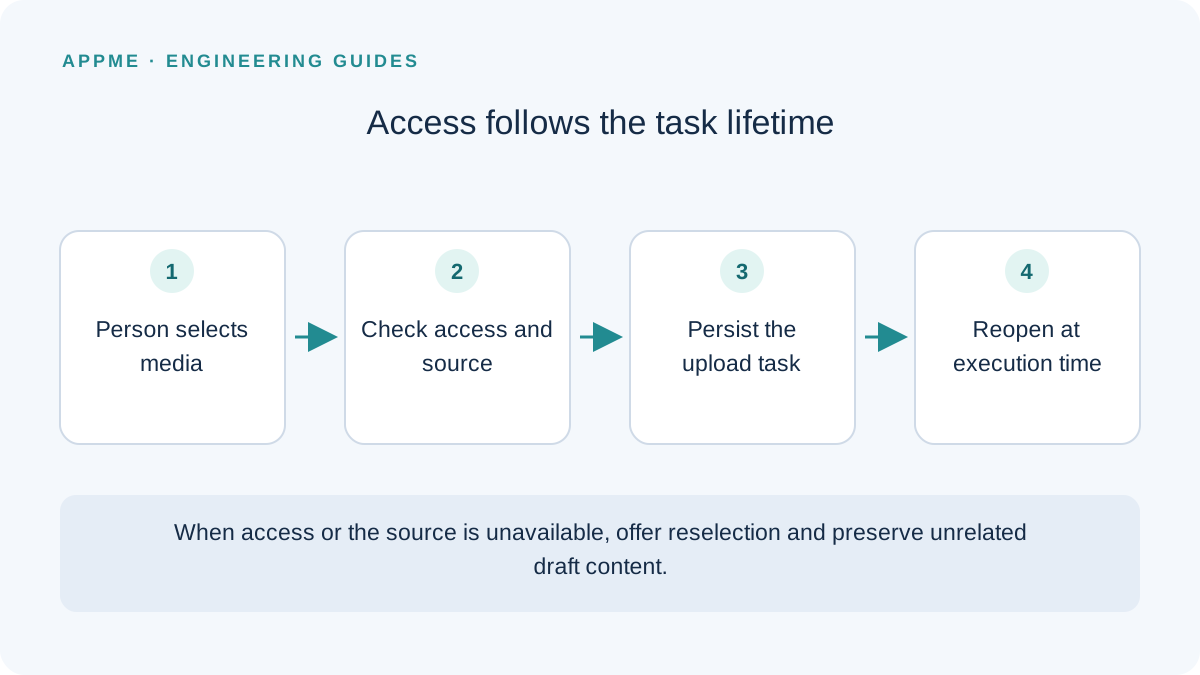
Use Photo Picker for selecting specific media, manage access for the task's lifetime, and check the source again when processing starts. Broad library permission is not a good substitute for understanding a broken URI-handling path.
What Photo Picker is designed to solve
Android describes Photo Picker as a way for people to share selected images and videos rather than an entire media library. Jetpack Activity offers selection contracts and fallback behavior based on device capabilities.
That fits an avatar change, an image attachment or a selected video. A product managing a whole media library has different requirements that need a separate assessment. Do not assume a single-item selection guide covers every media-management feature.
Selection is the beginning of the journey
The following Kotlin example selects one image from an Activity. The callback is an application integration point where you establish the task and its source-handling policy.
val picker = registerForActivityResult(
    ActivityResultContracts.PickVisualMedia()
) { uri ->
    if (uri != null) {
        onImageSelected(uri)
    }
}

picker.launch(
    PickVisualMediaRequest(
        ActivityResultContracts.PickVisualMedia.ImageOnly
    )
)
Do not treat a content URI as a conventional filesystem path. Use the appropriate platform access interface and handle a source that cannot be opened. Avoid logging the full URI when it can expose unnecessary information about a user's media or provider.
Cancellation should preserve the existing draft. A null selection is not permission to remove the previously attached image unless the interface explicitly offered that action.
Preserve access when the task needs it
Android documents takePersistableUriPermission for access that must last longer, including long-running background uploads. Handle the result in the context of the actual URI and selection flow, with a recovery path if access cannot be retained.
contentResolver.takePersistableUriPermission(
    uri,
    Intent.FLAG_GRANT_READ_URI_PERMISSION
)
Persisted access is not a promise that the source will exist forever. A user may delete an item or the provider may become unavailable. The worker still needs to open and validate the source at execution time, then distinguish an access failure from a temporary connection failure.
If your design copies selected media into application-managed storage instead, define the copy's lifecycle. Consider available space, sensitive content and cleanup after cancellation or completion. Copying every selection and never deleting it creates a different reliability problem.
Keep upload state separate from the draft
Consider a hypothetical notes app with an attached image. Save a task identifier, source reference, processing state and the associated draft. If someone replaces the image, an older task must not attach its late result to the new choice.
| State | Meaning | Useful recovery behavior |
|---|---|---|
| Waiting | Source and local task are recorded | Continue editing the text draft |
| Processing | Data is being read or transmitted | Show understandable progress or status |
| Selection required | Source or permission is unavailable | Reopen the picker without discarding text |
| Retry pending | A temporary delivery failure occurred | Retain the task and explain its state |
| Confirmed | Backend accepted the attachment relationship | Allow viewing or replacement |
Write down what confirms each transition. Opening an input stream confirms access at that moment; it does not confirm successful transmission or ownership on the server.
Test interruptions at each boundary
Select media from the sources you support, cancel the picker and disable connectivity before upload. Stop the process, reopen it and inspect both the source and queued task. Also delete the selected item while the task is waiting.
Replace an attachment in the same draft while an earlier upload is delayed. Verify the final server relationship as well as the interface. A failure toast does not prove there is no server-side object; retry may otherwise create additional attachments.
For that delivery boundary, read the mobile image upload retry guide. For durable task identity, see the outbox design with WorkManager.
Frequently asked questions
Does selecting an image require permission to read every photo?
The selected-media flow is intended to grant access to chosen items. Do not add broad access simply because a specific URI read is failing.
Is copying the image immediately always better?
It can suit tasks that need an application-managed source, but introduces storage and deletion responsibilities. Compare those costs with retained URI access and define a recovery path for either design.
Primary sources
Check these original references again before making a release or policy decision.